503-488-2008
Our Location
- 1310 NW Naito Pkwy #112
- Portland, OR 97209
- Map + Directions
This guide provides step-by-step instructions on how to navigate the homeowner portal dashboard and utilize its various features. If you are a homeowner or renter looking to engage with your association and stay informed about important updates and events, this guide is a valuable resource.
Tip! All owners have several options for the payment of recurring, ancillary, and special assessment fees (“Assessments,” often referred to as ‘dues’), including personal check, Bill Payer, automated withdrawal (AutoPay) from your bank account, or payment via credit/debit card.
After completing the login to you homeowner portal, a Dashboard and a Menu Panel should be displayed. The layout may be different depending on the association and which features are enabled.
To inquire more about the features, please engage with the Association Manager. The Home button in the upper left will also return you to this Dashboard for easy navigation.
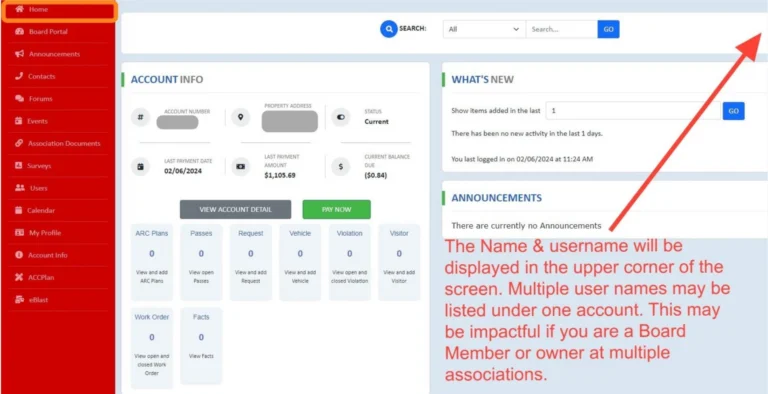
Click "VIEW ACCOUNT DETAIL" to see the mailing address on file, payment dates, unit ledger with charge dates, payment dates, amounts and descriptions.
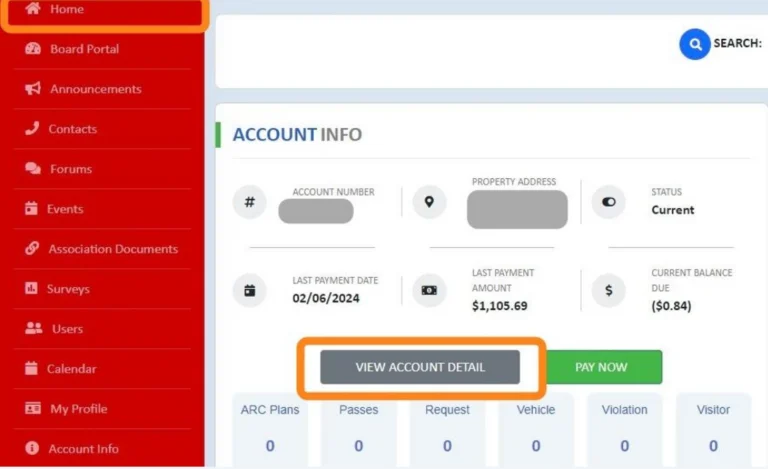
Click Click "PAY NOW" to set up a one-time payment or autopsy. Please refer to our Payment Options Document for more information.
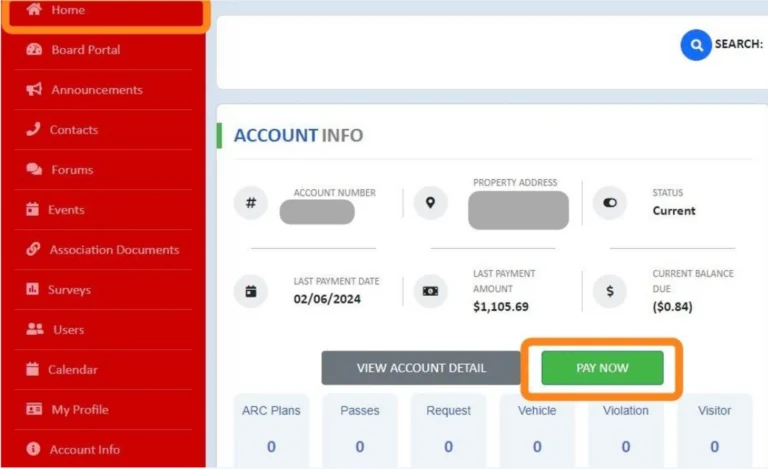
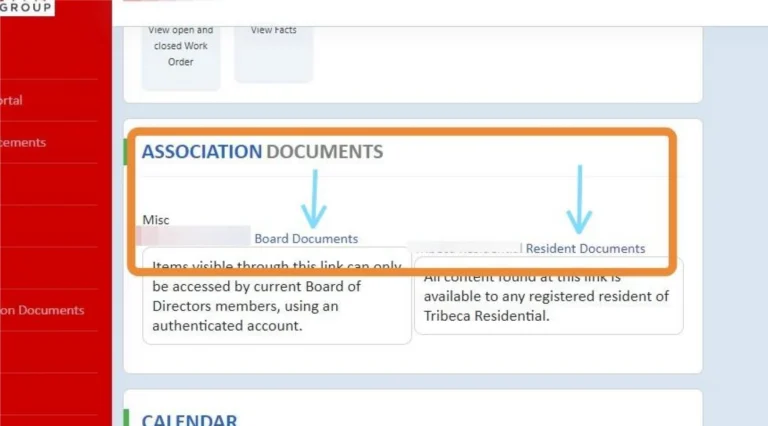
Scroll down to Click " Resident Documents" to quickly link to the SharePoint site for your community.
For more information, please refer to our guide on Accessing Homeowner &Board Documents.
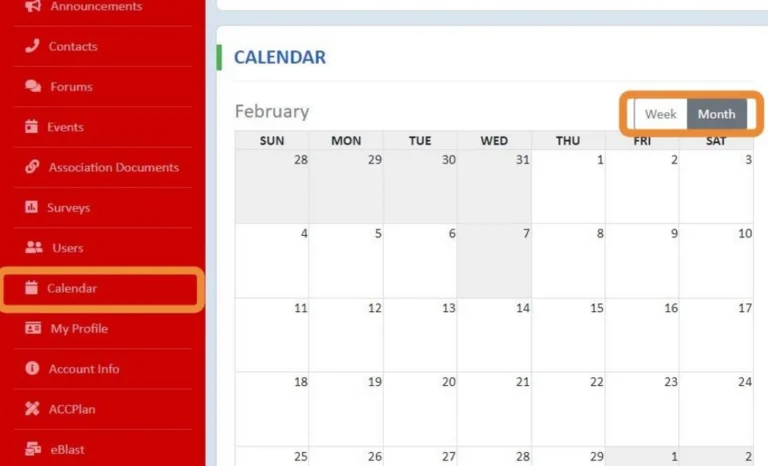
Scroll further down for the Community Calendar or use the menu panel. Click "Month" to expand the display. A Summary List of all events will be displayed on the right-side panel. Click on the event's name for more details, such as the Zoom or Microsoft TEAMS meeting links.
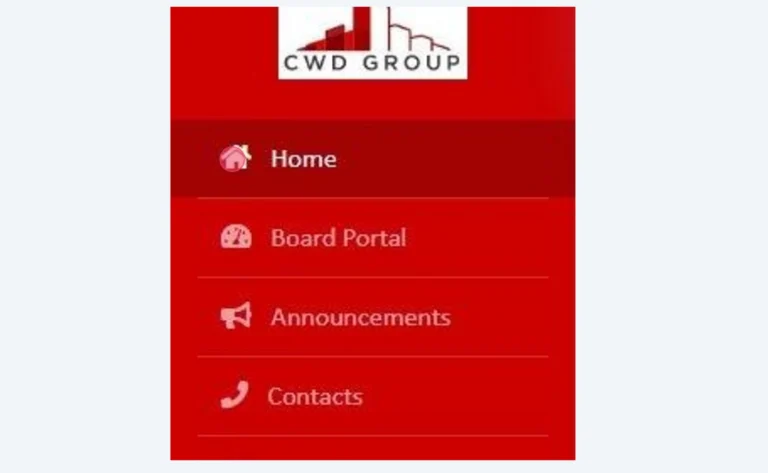
Click "Home" to return back to the dashboard page.
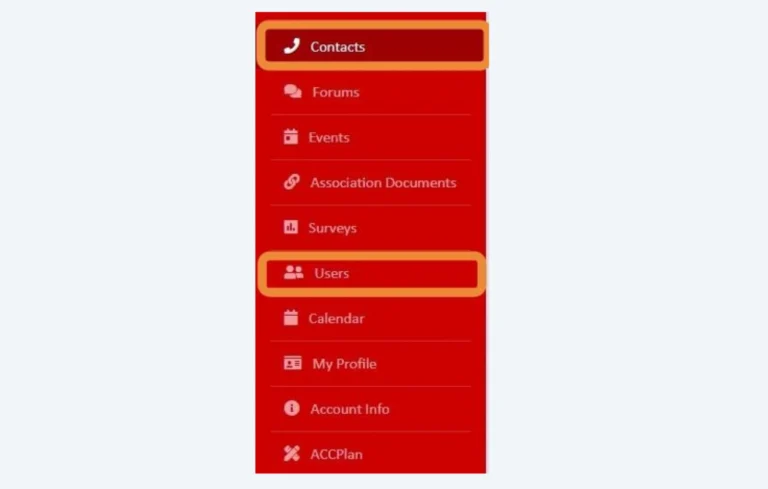
Click "Contacts" or "Users" to find your neighbor's contact information (Owners&Renters). This information will only display if the unit owner has opted in or modified their privacy settings.
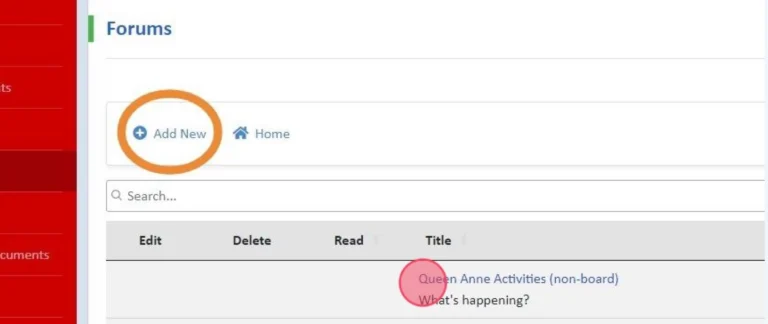
"Forums" & "Surveys" are a great way to engage in community discussions. Various topics and feedback can be provided and owners may navigate between those topics my clicking on the Title. Documents may also be uploaded so if a Board is discussing a large project this would be a great place to share and discuss.The Board of Directors typically monitors these features and must be enabled through request.
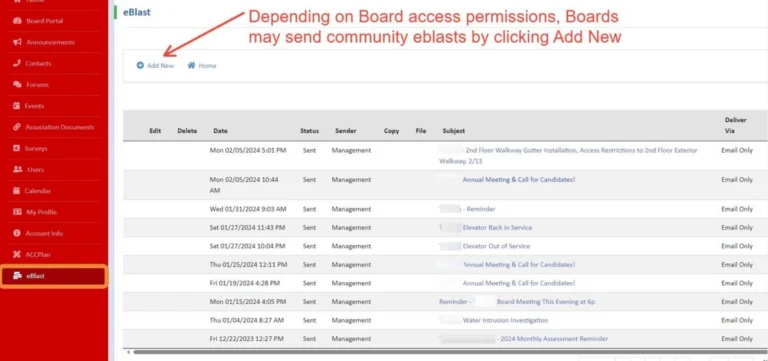
Click "eBlasts" on the panel to see the various messages sent out to the community. By clicking the title you can see the full message and attachments.
Tip! For more features and inquires, please contact the Association Manager. Community Portals are really modified for the community directly.
CWD Group understands your association’s needs better than anyone. We offer full-service community management in Oregon and Southern Washington.
Take the first step towards successful community management. Submit a request for proposal, and we will reach out to you for more information.