
503-488-2008
Our Location
- 1310 NW Naito Pkwy #112
- Portland, OR 97209
- Map + Directions
This guide is essential for homeowners wanting to streamline their account management by enabling eStatements and accessing their account ledger easily. It provides step-by-step instructions for setting up electronic statements, ensuring you receive timely updates about your account. Additionally, the guide explains how to view and print your account ledger, allowing for convenient tracking of completed payments and charges. By following this guide, homeowners can enhance their financial organization and stay informed about their account status.
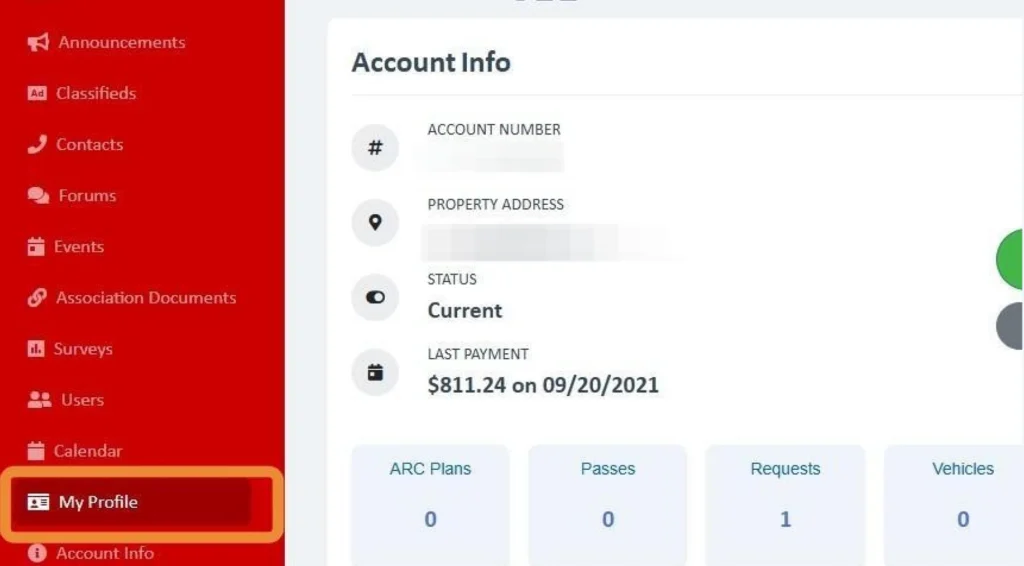
Click "My Profile" on the left panel.
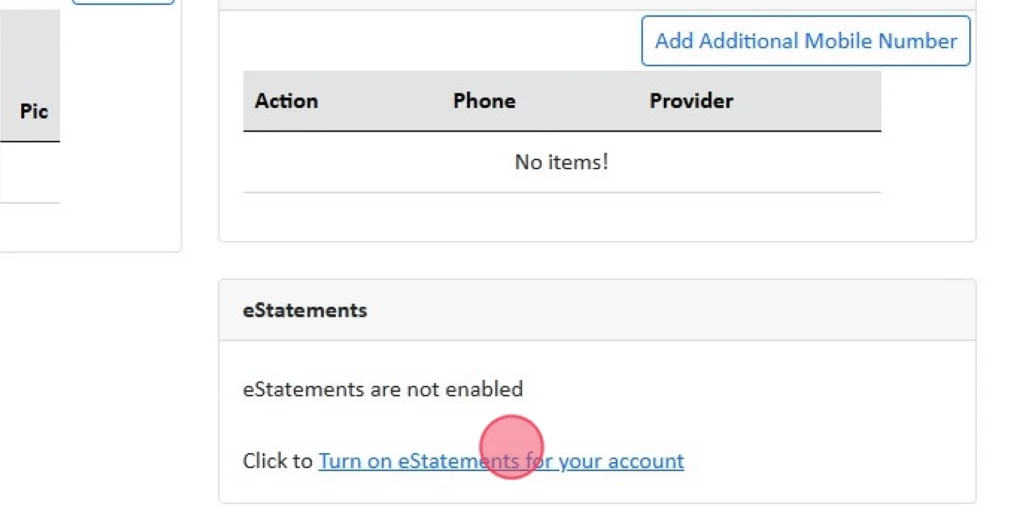
At the very bottom of the page, select "Turn on eStatements for your account"
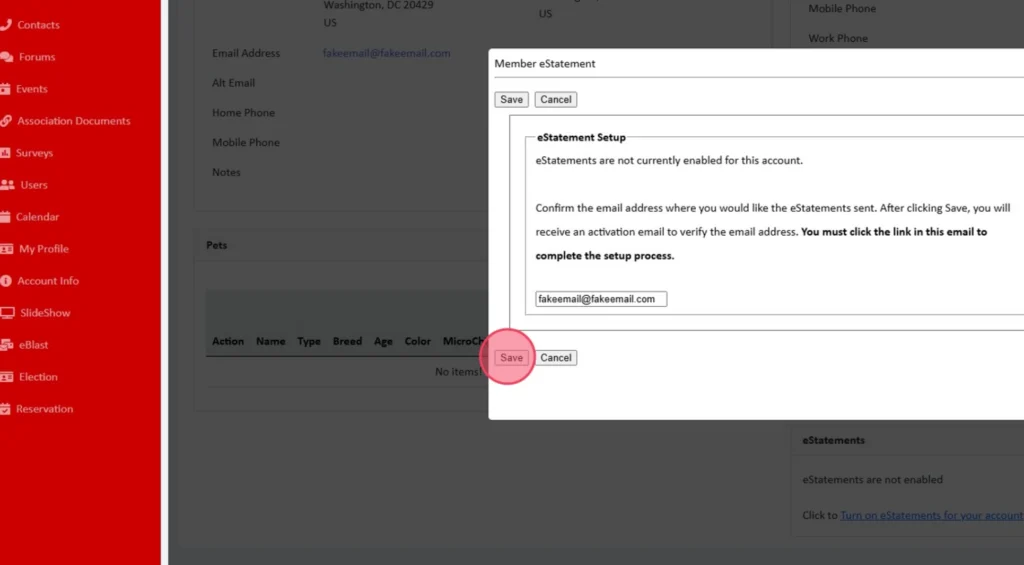
A popup window will ask you to confirm your email, then click Save.
eUnify will send you an email to verify to complete registration.
Click "Account Info" on the left panel.
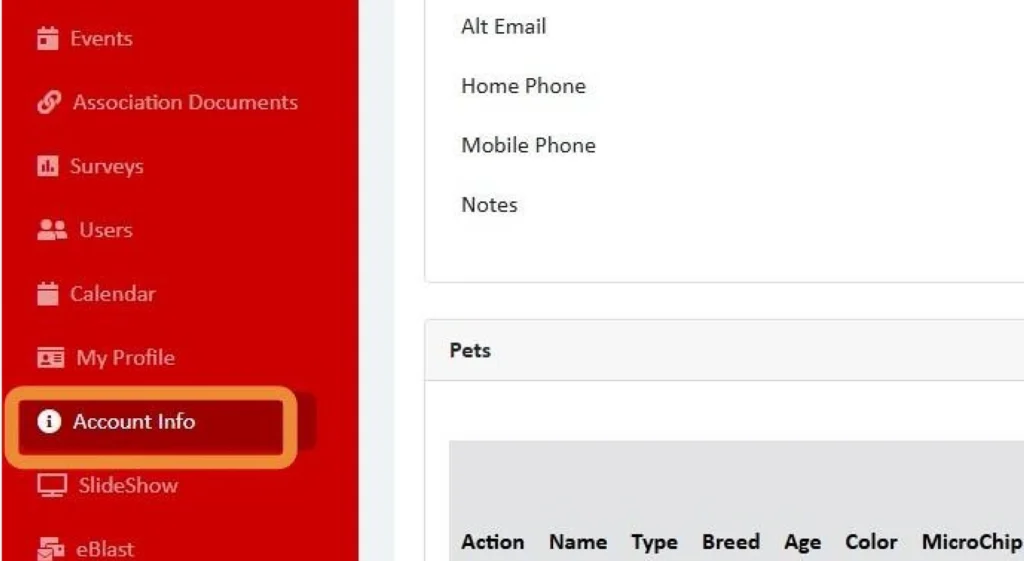
This will display the account ledger in real time; it will display all charges and completed payments.
Pending payment will not be displayed, only completed payments that have cleared.
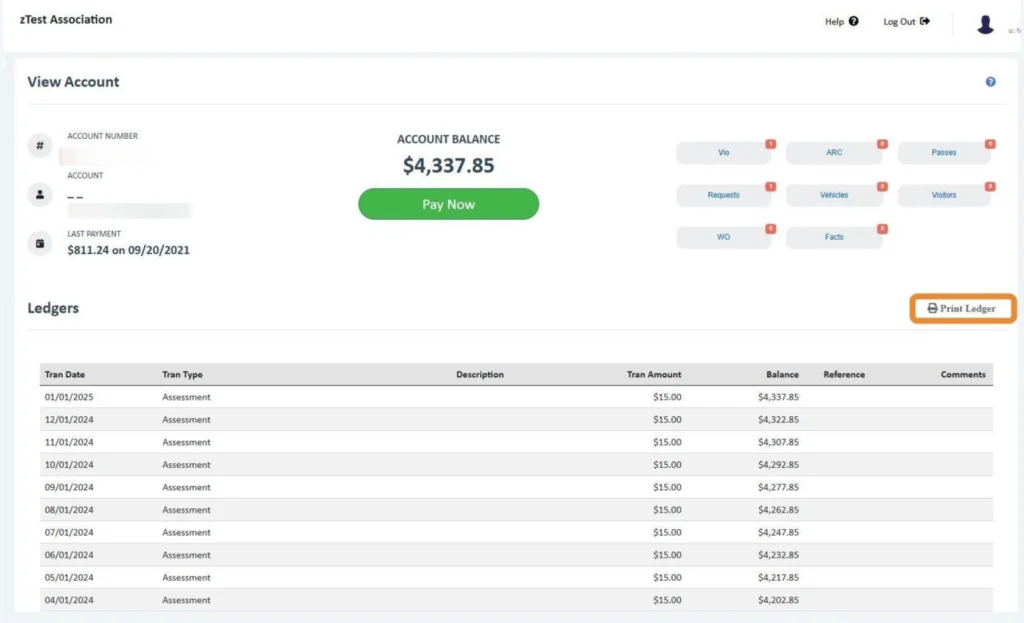
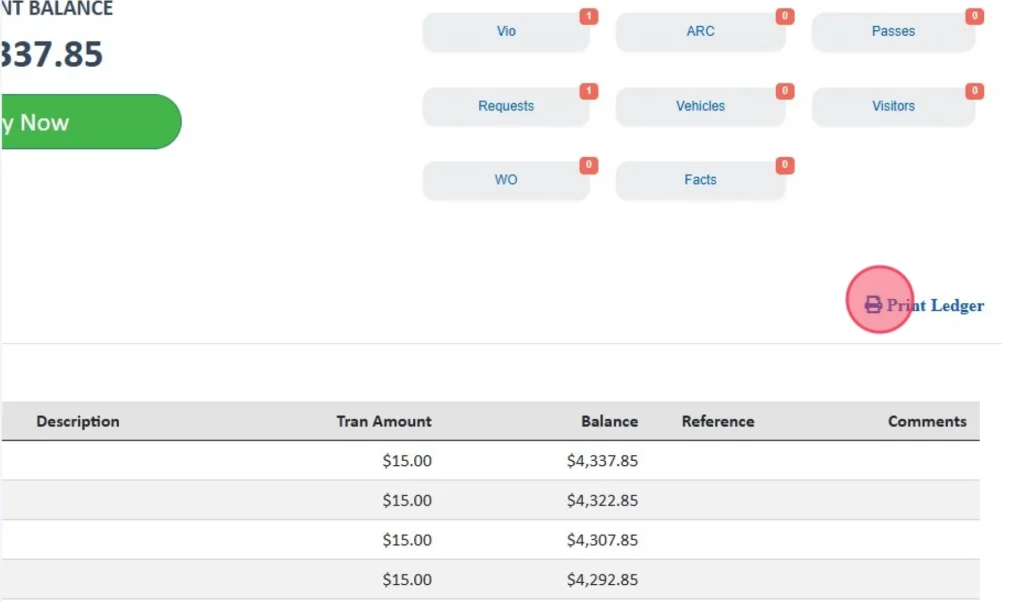
On the right side of the page, you can Print the Ledger in a PDF format.
CWD Group understands your association’s needs better than anyone. We offer full-service community management in Oregon and Southern Washington.
Take the first step towards successful community management. Submit a request for proposal, and we will reach out to you for more information.